🧾
POS & Floor Plan
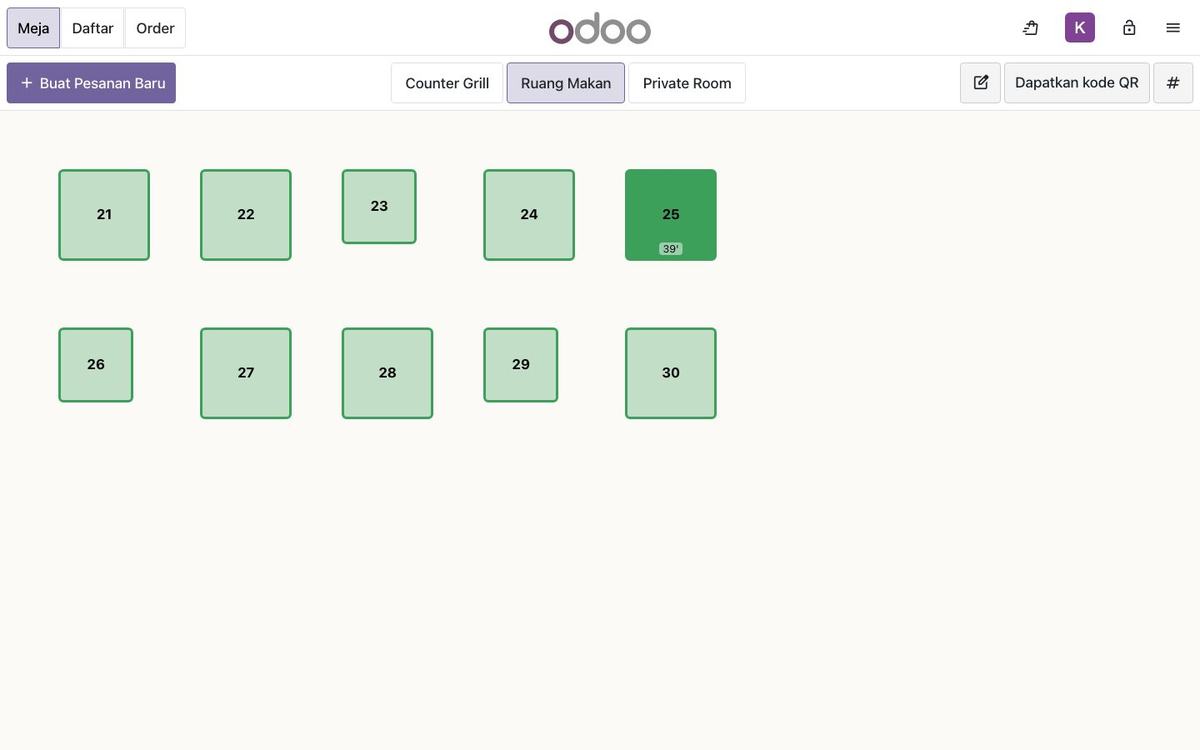
The floor plan right on the POS: open a table, order, move tables, merge & split bills.
- Cash, card, QRIS, city ledger
- Discounts & refunds logged
- PIN per employee
This restaurant runs on ARTSOFT Resto, built on Odoo 20. Here is what keeps the floor, the kitchen and the cashier in sync.
The floor plan right on the POS: open a table, order, move tables, merge & split bills.
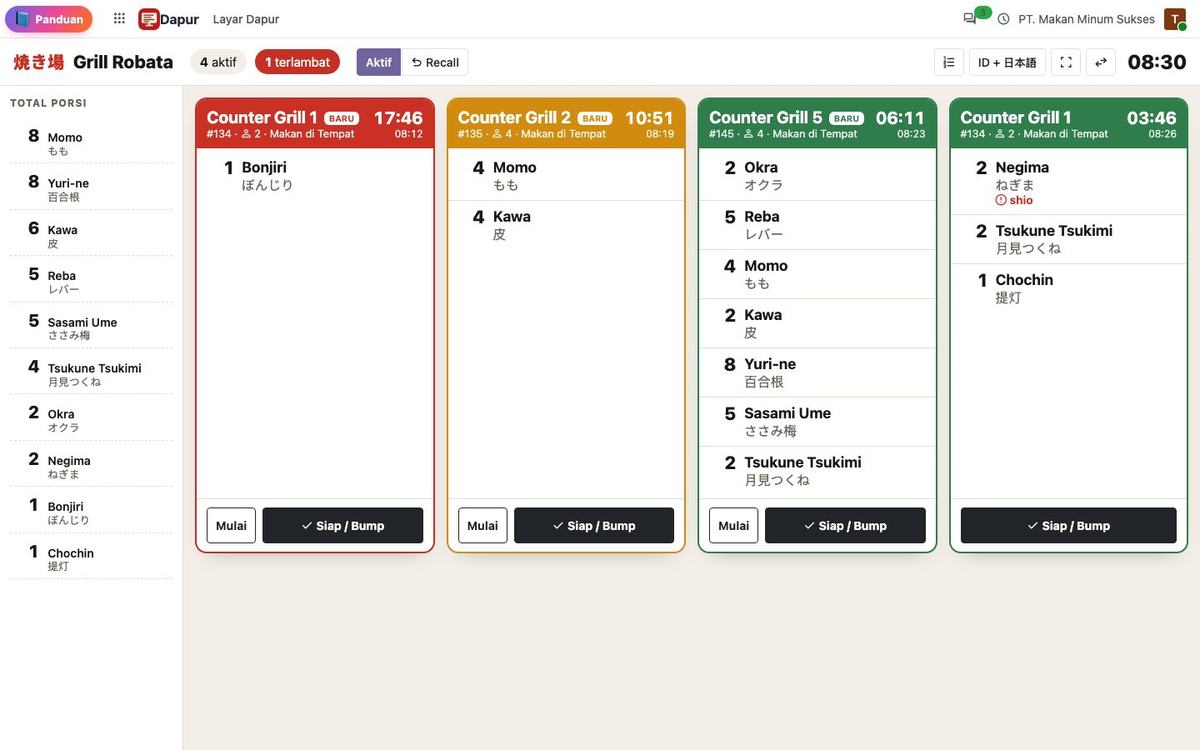
Orders appear instantly on each station screen — grill, kitchen, bar — with Japanese names.
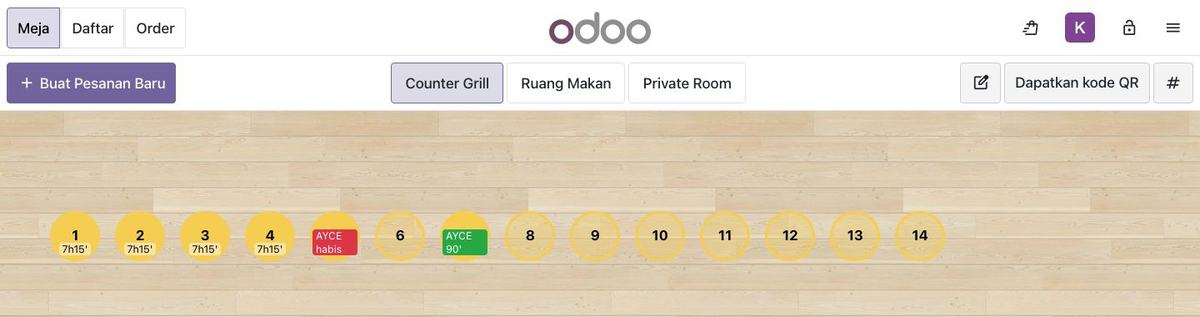
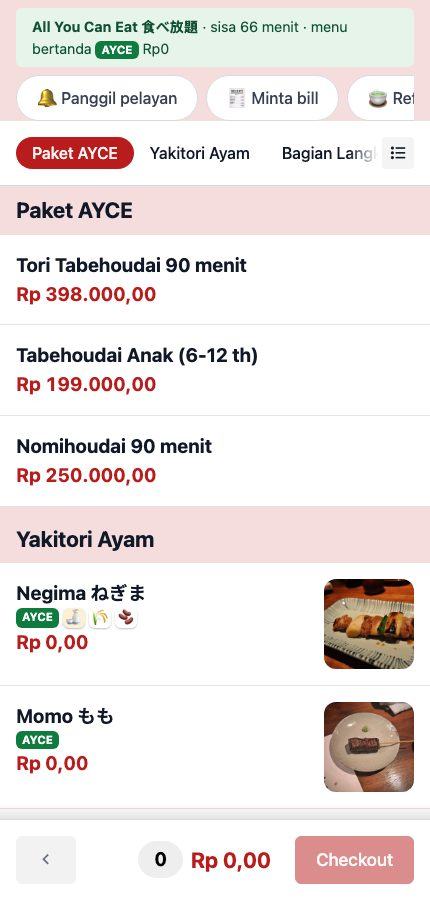
Tabehoudai packages with a timer per table, last-order alerts and manager extensions.
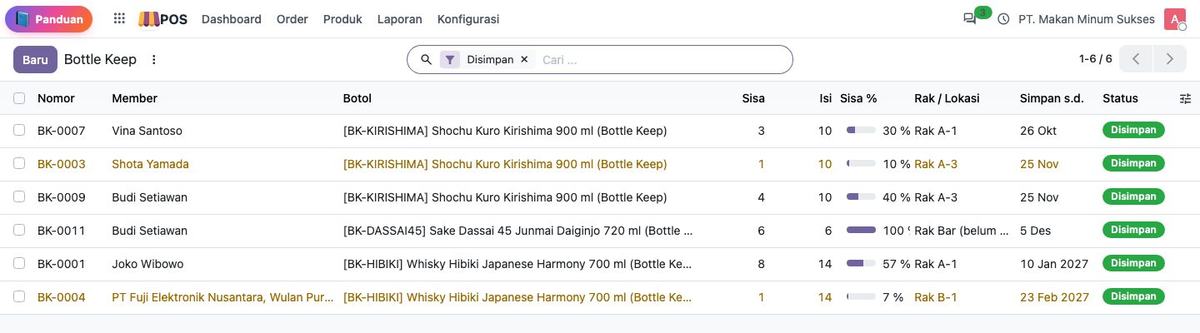
Automatic otoshi per guest; members’ sake & whisky bottles kept and poured over visits.
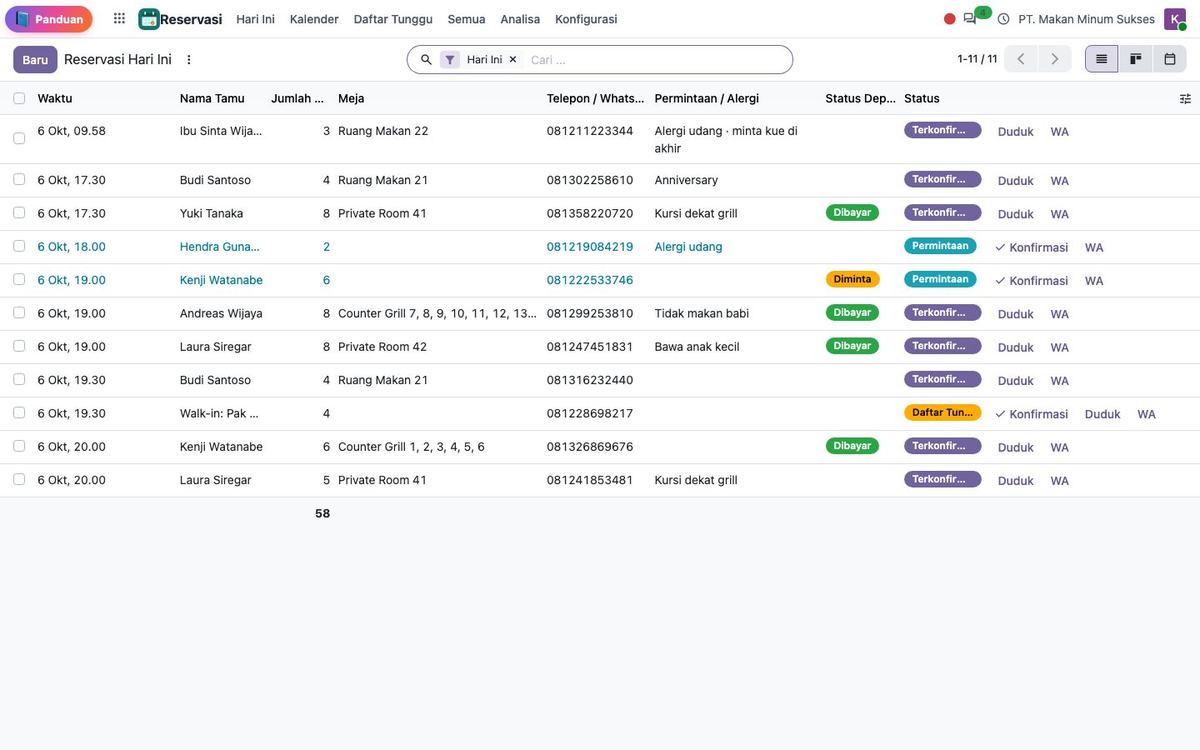
Online booking form, calendar, seating slots, waitlist and reservation tags on the POS floor plan.
Guests order and call staff from the table QR; orders flow to the POS and kitchen.
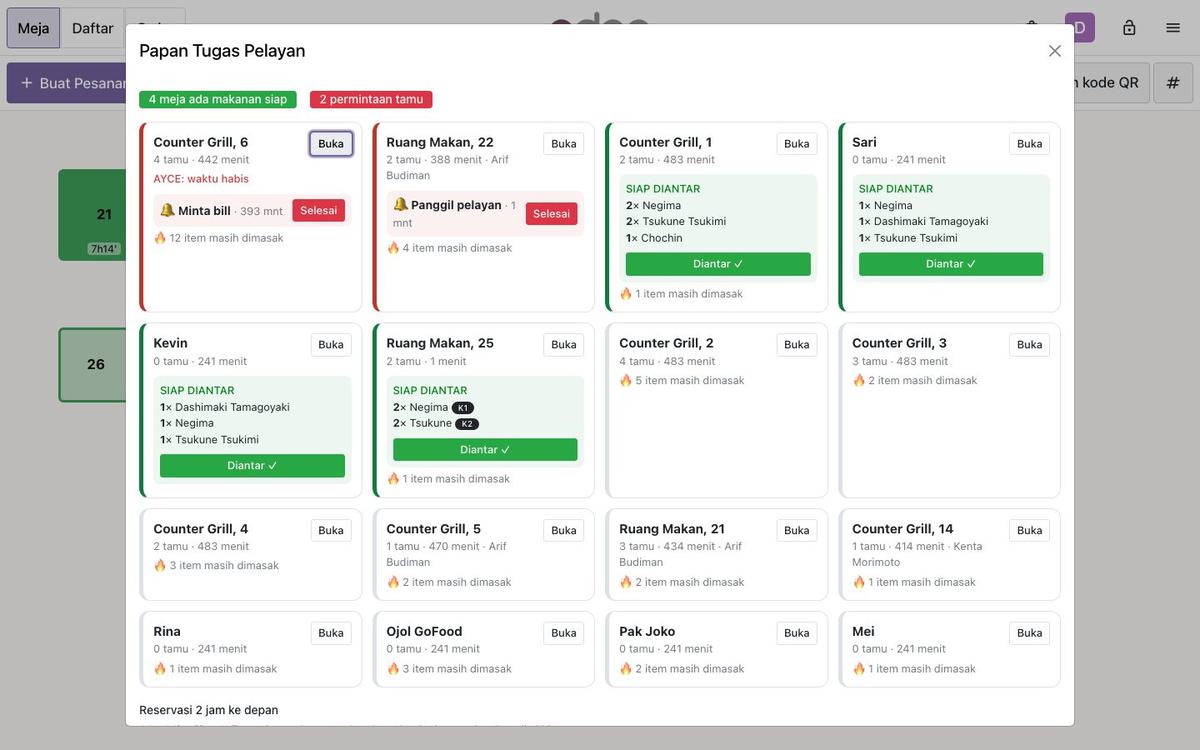
Task board for servers, orders per seat, ready-to-serve notifications.
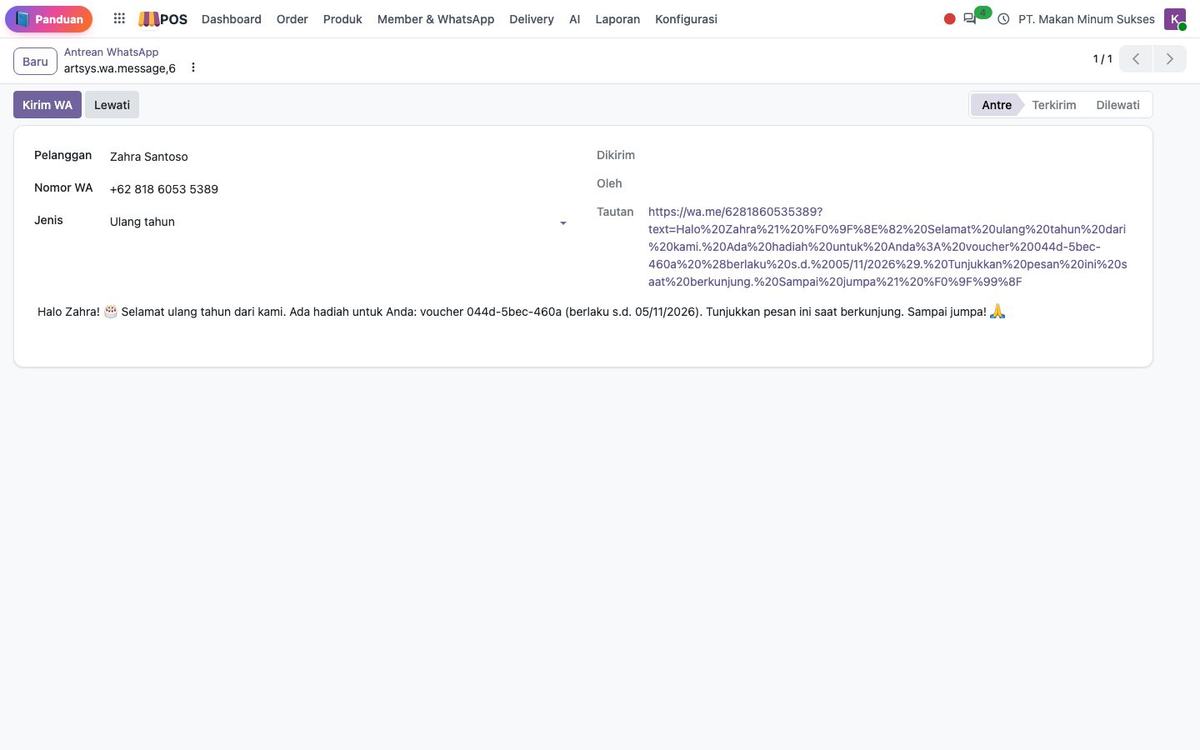
Points and member tiers, receipts and promo campaigns via WhatsApp.
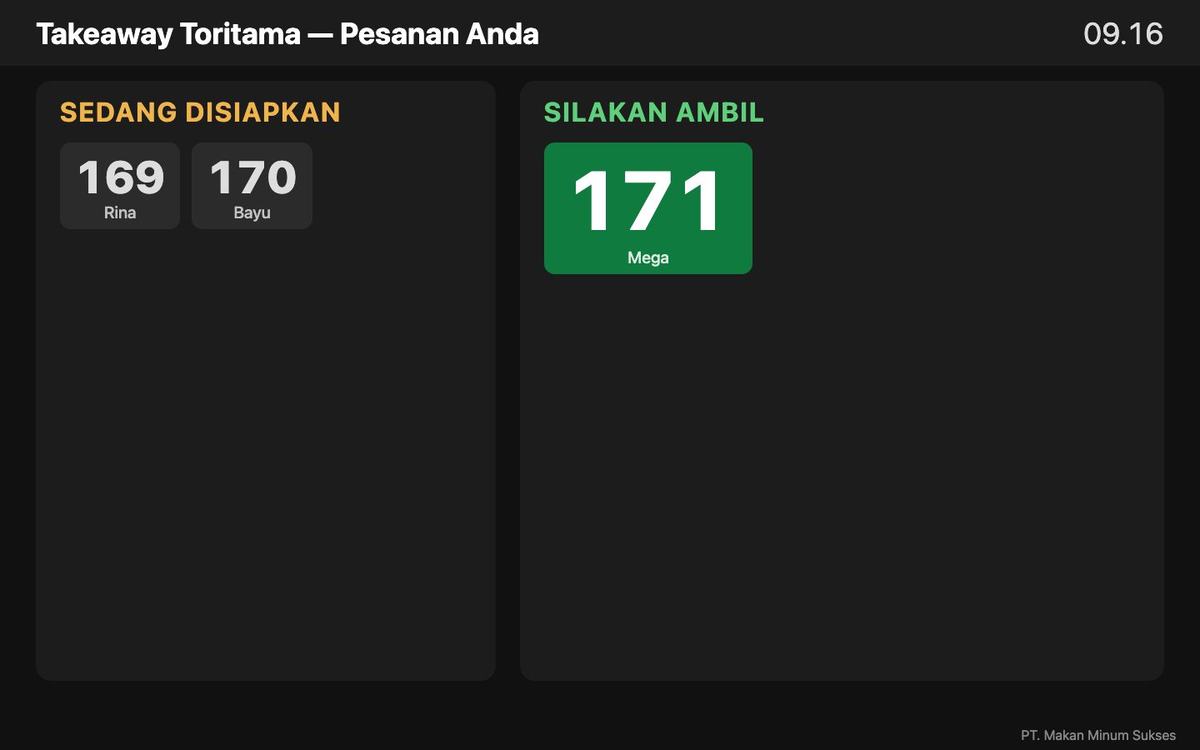
Queue numbers on receipts and a "ready for pickup" TV screen.
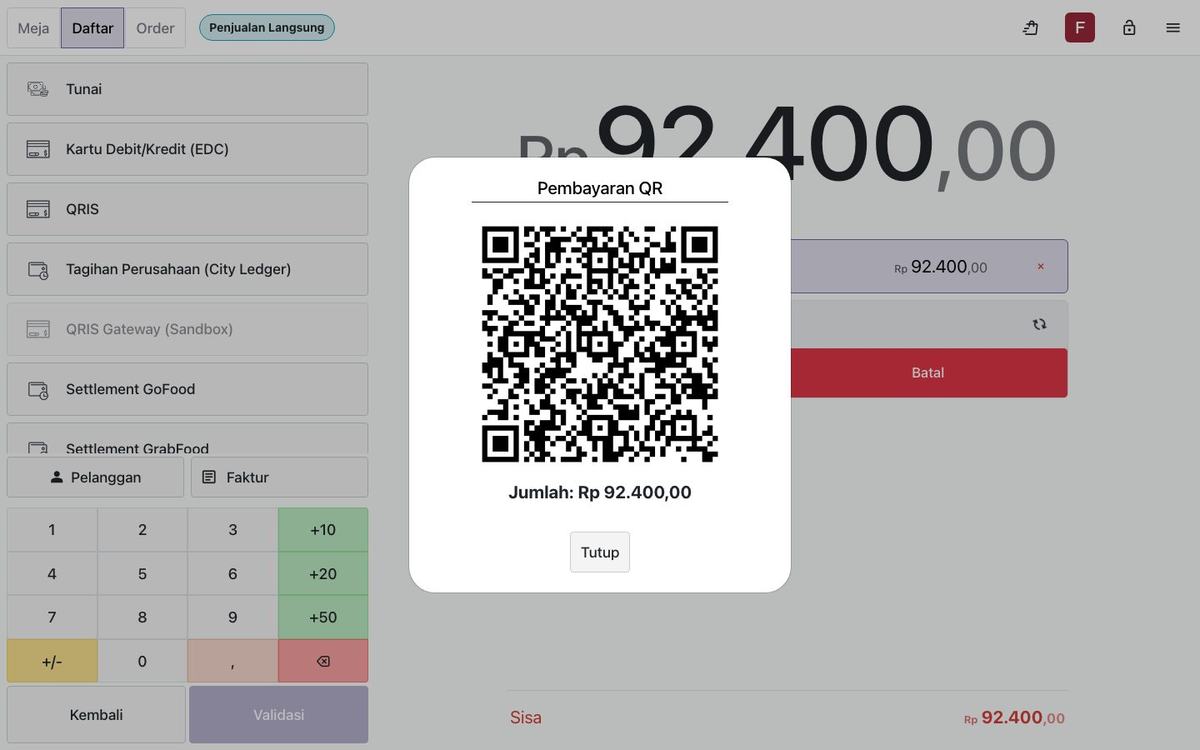
Dynamic QR on the POS, automatic paid status, transaction reports.
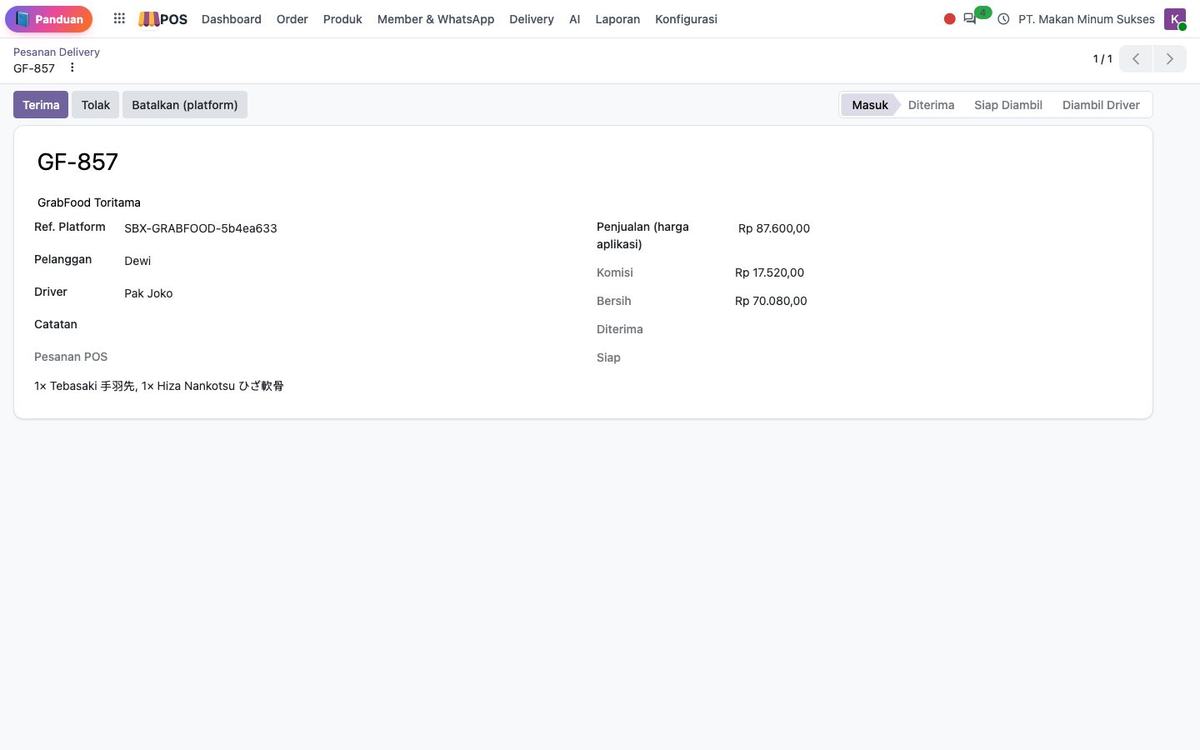
GoFood / GrabFood / ShopeeFood orders land in the POS & KDS, with settlement reports.
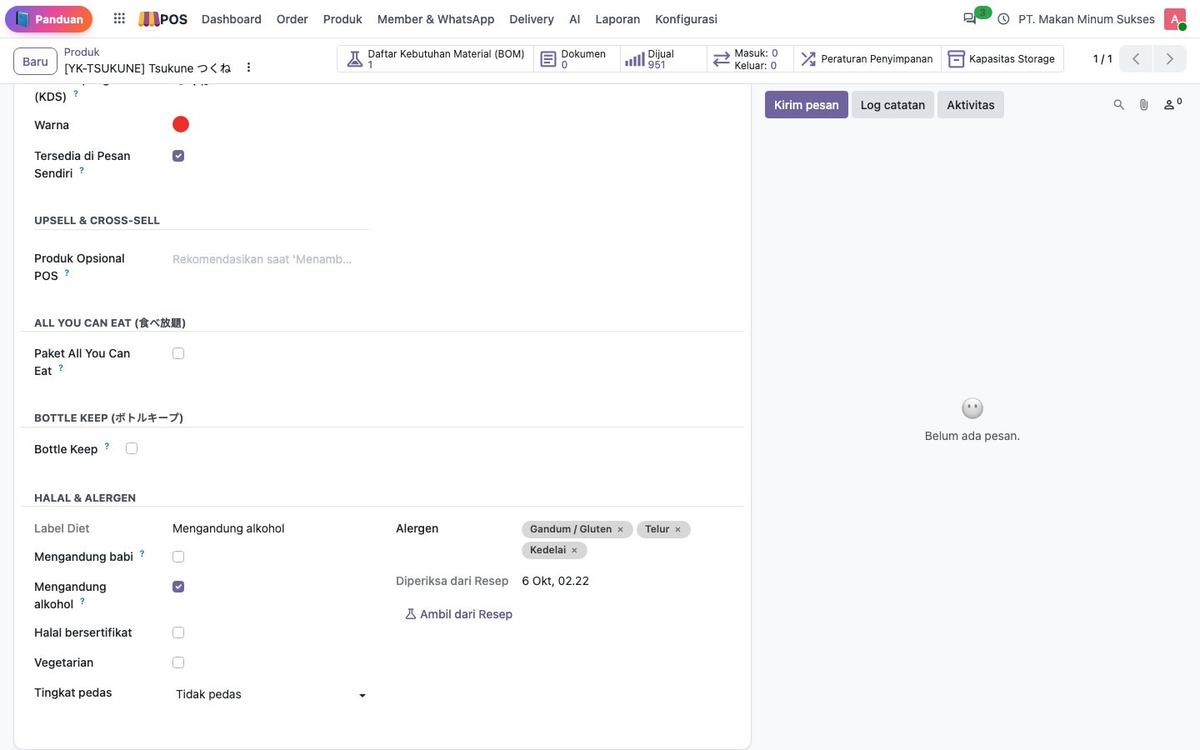
Halal, pork, alcohol and allergen labels per dish — shown on the POS and website.
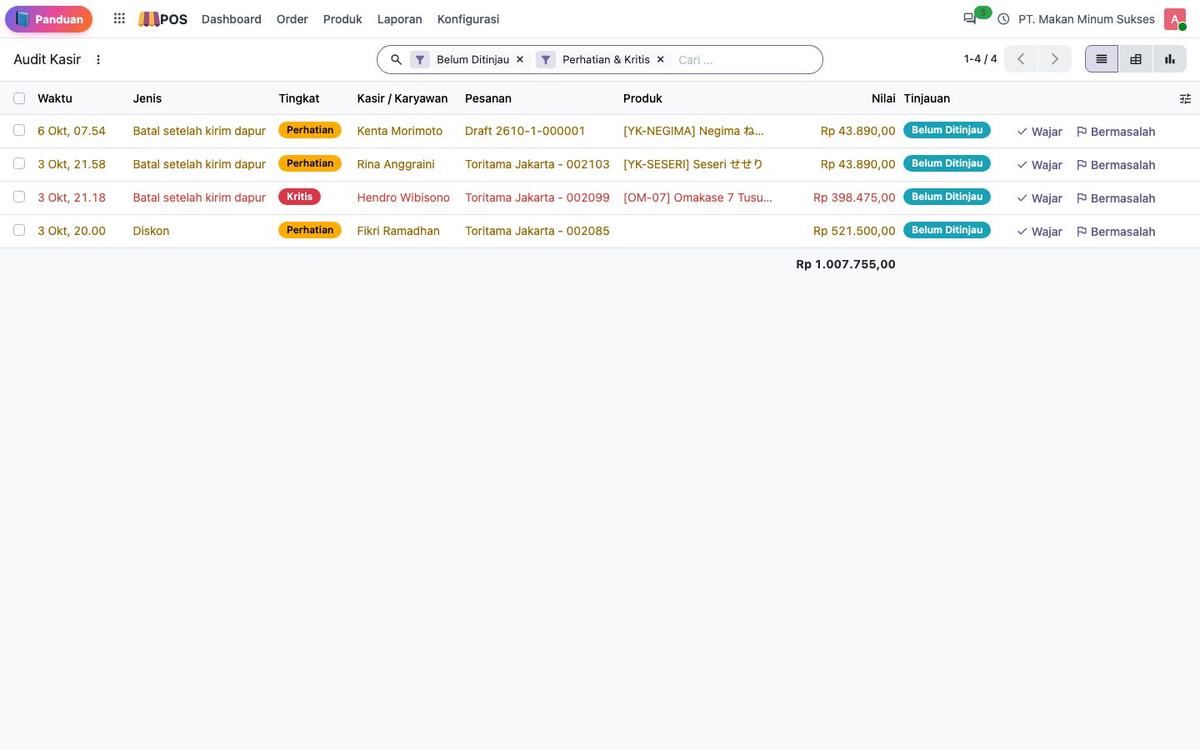
Voids after firing, large discounts, cash differences — logged and sent as alerts to managers.
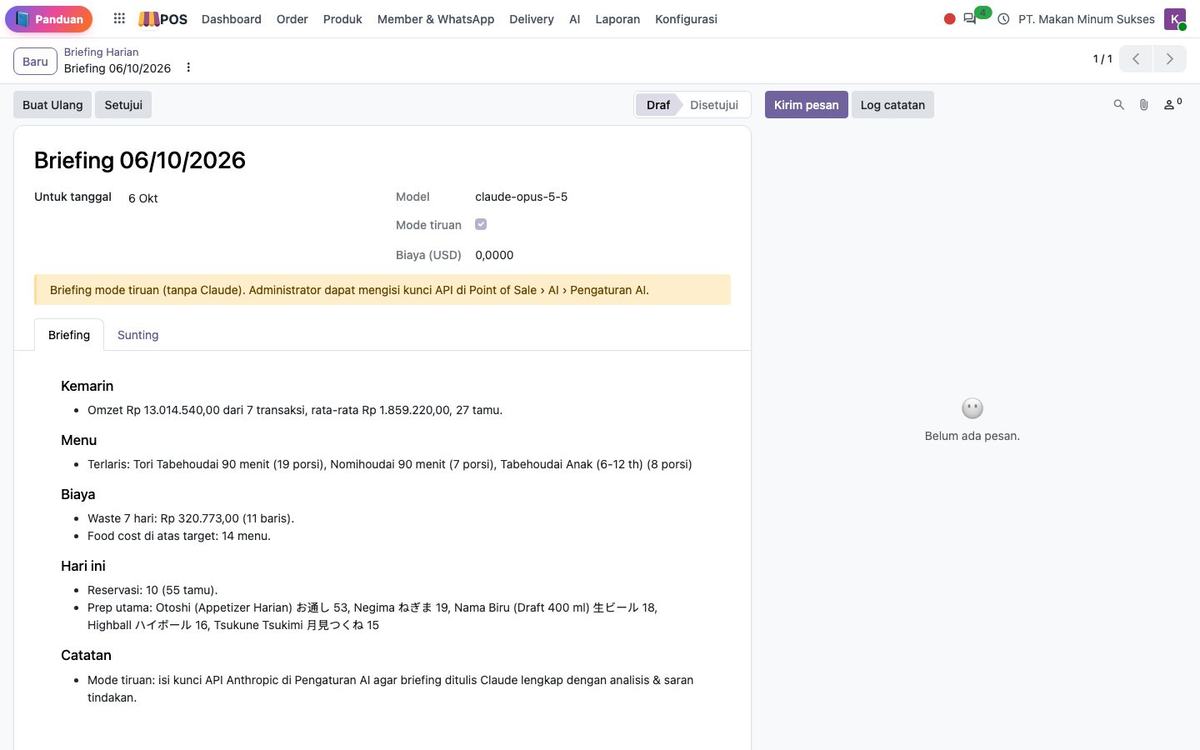
Daily briefings, sales forecasts, upsell tips and Q&A over your restaurant data.
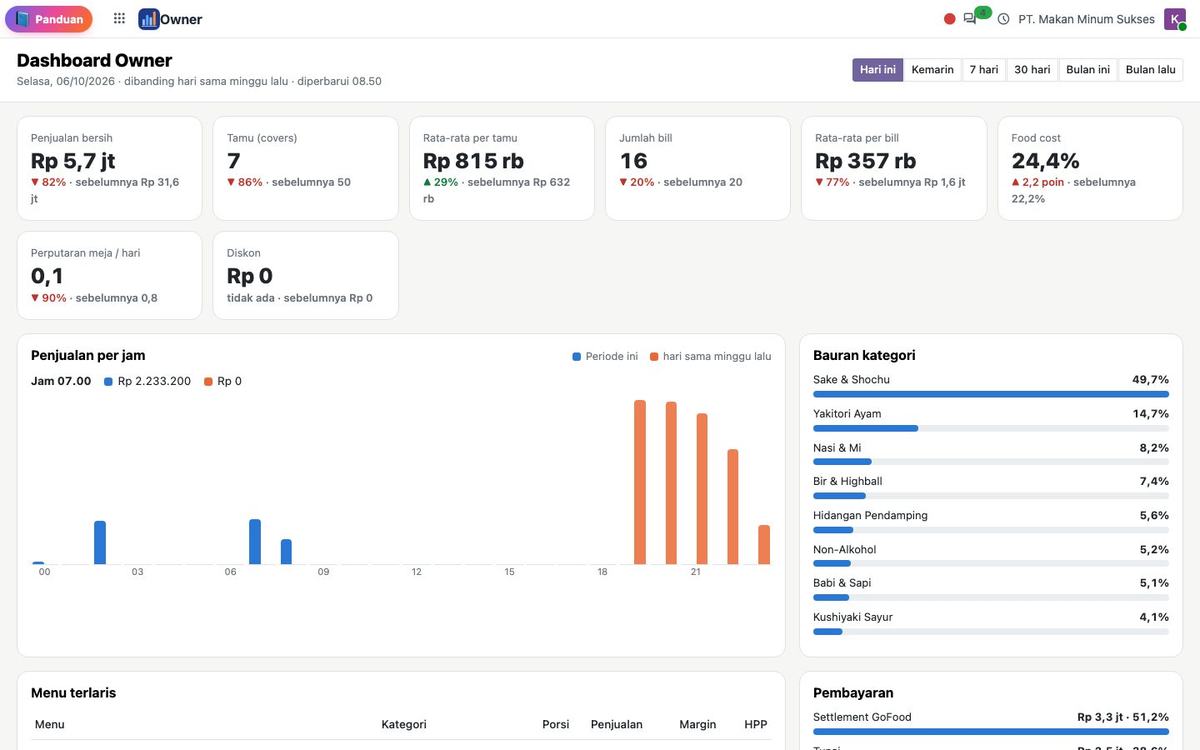
Today's sales, best sellers, payment mix and menu engineering on one screen.
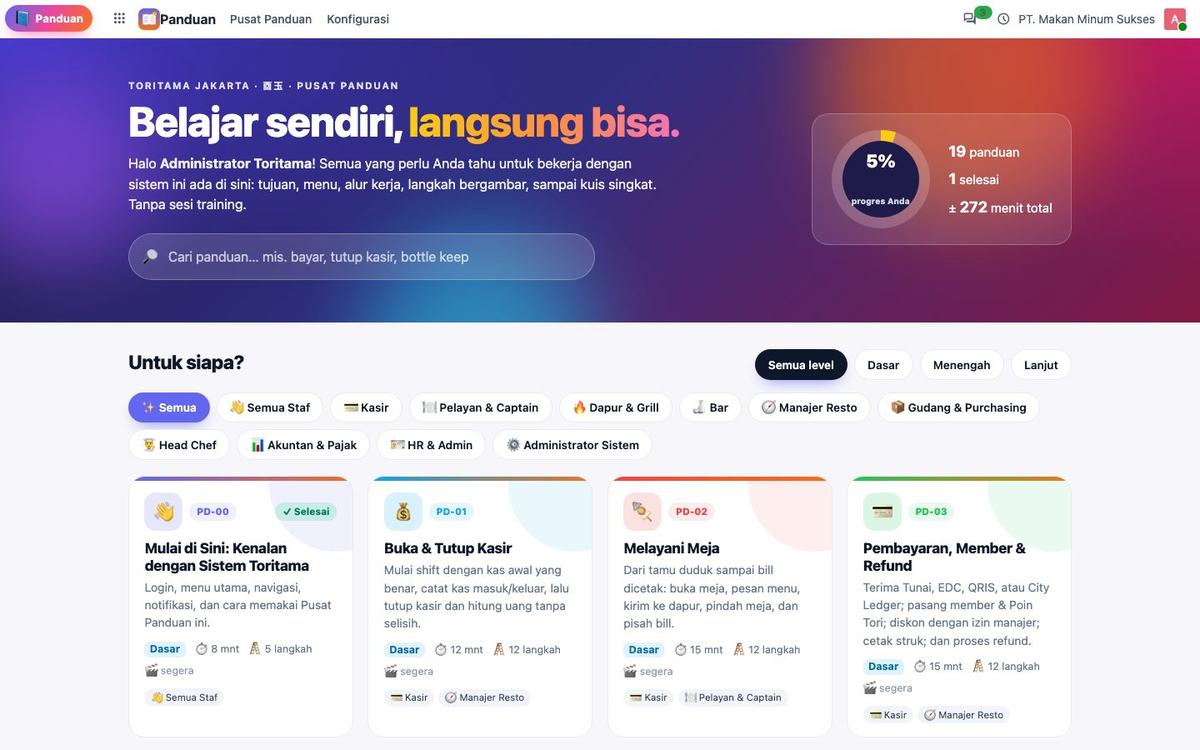
Role-based guides with workflows, illustrated steps and quizzes — new staff get up to speed fast.
We prepare a demo with your own menu and floor plan. Free, no commitment.